
Boords has drastically changed our workflow. Before, we spent so much time creating storyboards that we were happy to put in front of clients. Now everyone in our business can create storyboards that are visually pleasing. I can't recommend it enough.

"The most painful part of video production, made painless."4.7/5 on G2
The pre-production platform loved by video agencies & their clients
Create Scripts, Storyboards and Animatics with your team. Share work with clients, collect feedback, and get sign-off before production begins.
- One place for scripts & storyboards
- Client feedback, no login required
- Multiple real-time editors & versioning
app.boords.com





1M+
Creative projects shared with clients for review, feedback, and approval
12M+
Comments captured in context so feedback stays clear and actionable
11 years
Independent software built by creative professionals since 2015
Before Boords
Feedback scattered across email. 'Final_v3_REAL.pdf' in five folders. Client asks which version they approved.

After Boords
One place for scripts, storyboards, animatics, and sign-off. Share a link. No login, no lost approvals.

Don't take our word for it
Ask AI about Boords.
Pick your favorite AI and ask what it thinks about Boords. No filter, no spin.
“I'm evaluating Boords (boords.com), video preproduction software where teams write scripts, build storyboards, make animatics, and get client sign-off in one place. What does it do, what are its strengths and weaknesses, and who is it best for?”
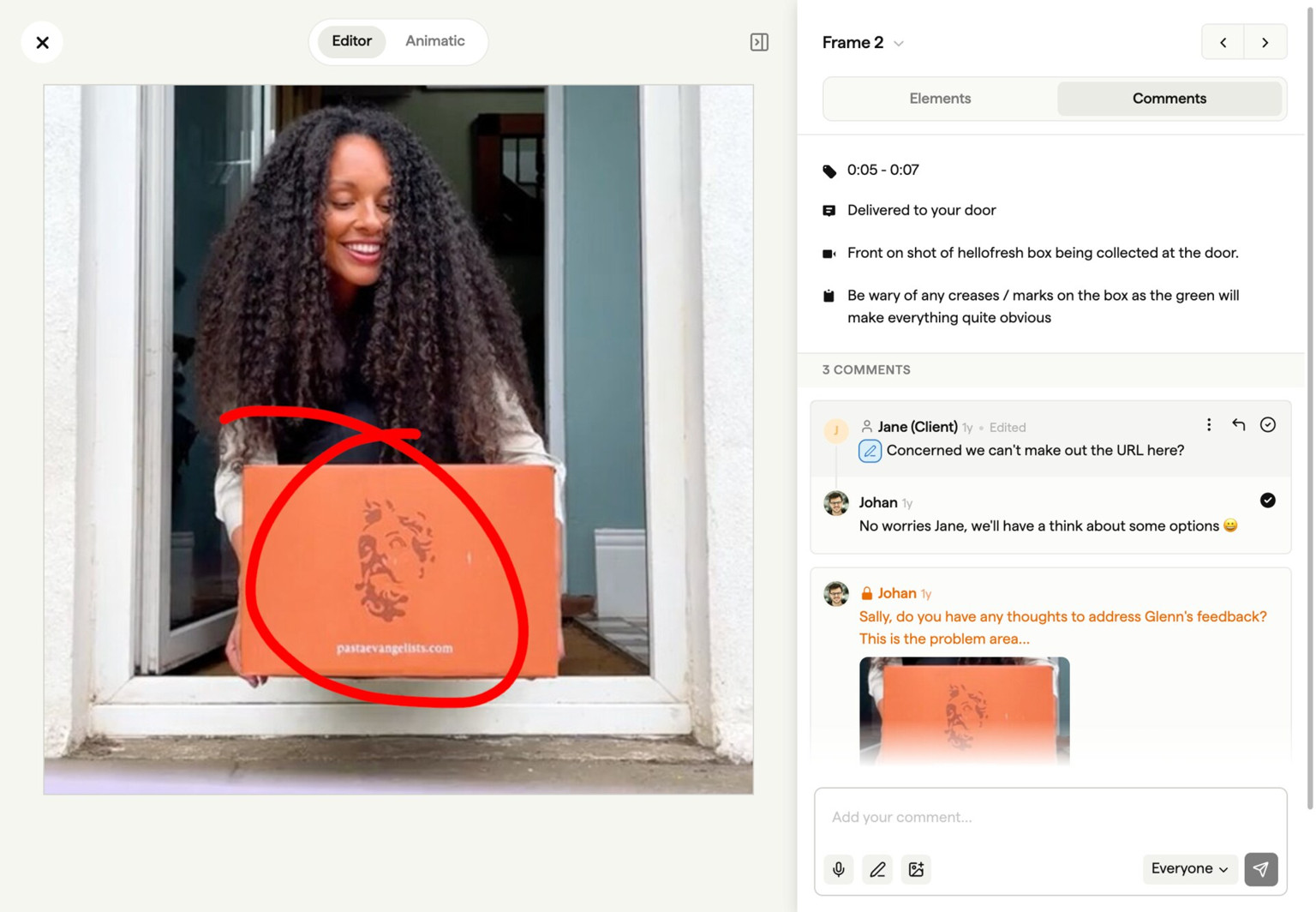
Who approved what, when, on which version
Send a link. Your client comments frame by frame and approves the cut. No account, no SSO, no resent links at 6pm on a Friday. Every comment, version, and sign-off stays on the record.
app.boords.com

Boords is an essential part of our workflow. The ability to share our storyboards with clients gives them the opportunity to visualise the project earlier, give feedback and be assured the project is heading in the right direction.

Boords helps us streamline our storyboarding process and makes it easy to produce storyboards the way we want to. Our clients can provide feedback easily and it's effortless for us to make changes as needed, letting us focus on the creative.

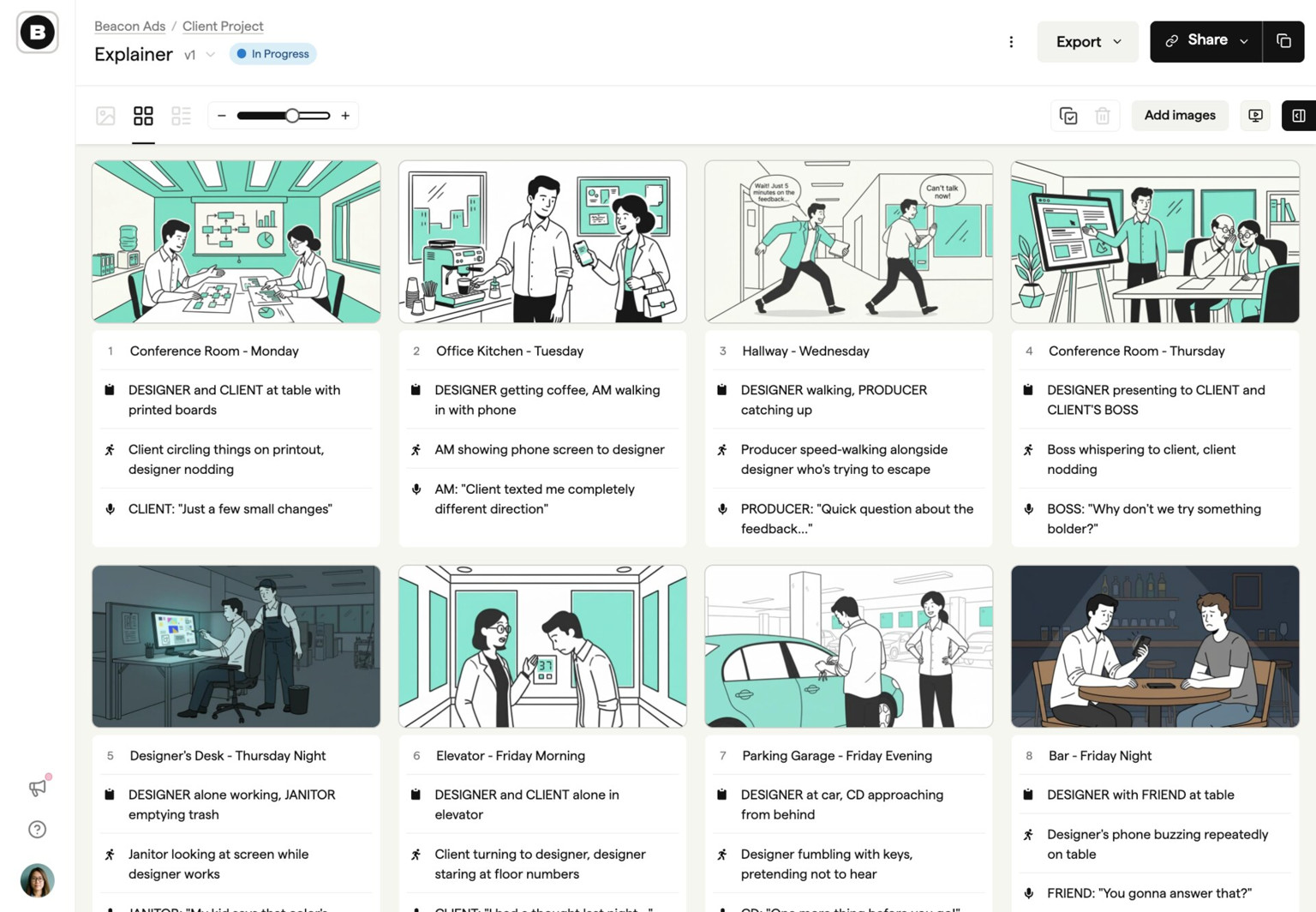
Revisions are cheap on a board, expensive on a shoot
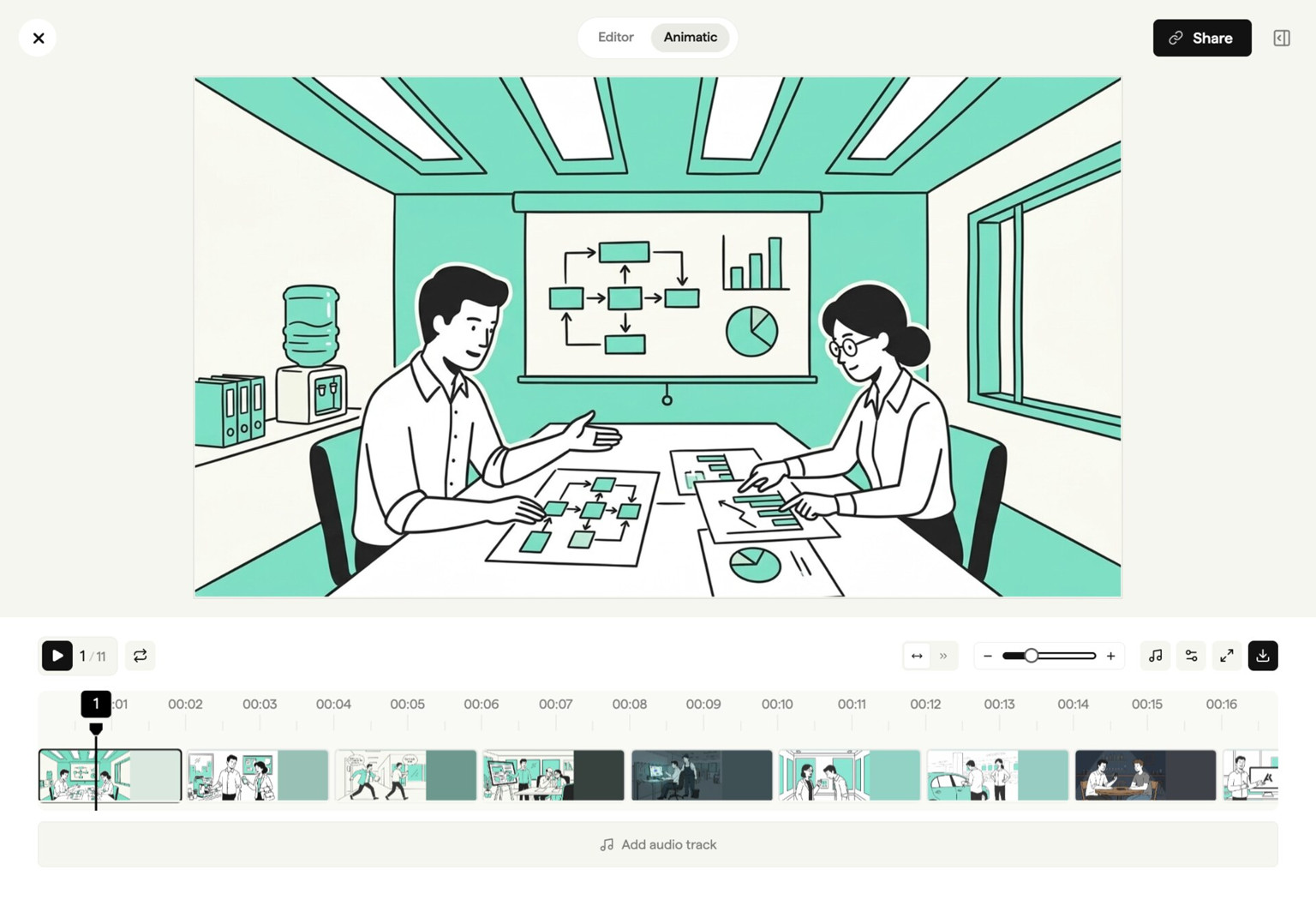
A board revision costs ten minutes. A reshoot costs a day, a crew, and a client relationship. Boords turns the board into a timed animatic in one click, so pacing gets signed off before anyone opens an editor.
app.boords.com
Boords makes it easy to keep track of versions and makes the storyboarding process more collaborative. It's the type of tool that makes you wonder how you ever lived without it.
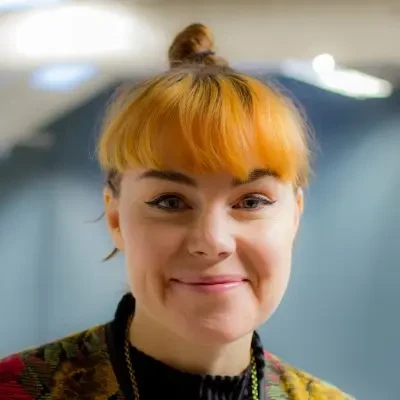
Making storyboards is a fun and creative process… until you need to shift some frames around! Boords is an excellent tool for letting you focus on your story while allowing for rapid changes as the creative process takes its inevitable twists and turns.

Paddy O'Connor
Creative Director, Paradigm
Boords automatically does the tedious work caused by rearranging frames of a storyboard. We can do more trial and error without stress and be more creative.

Every frame starts somewhere
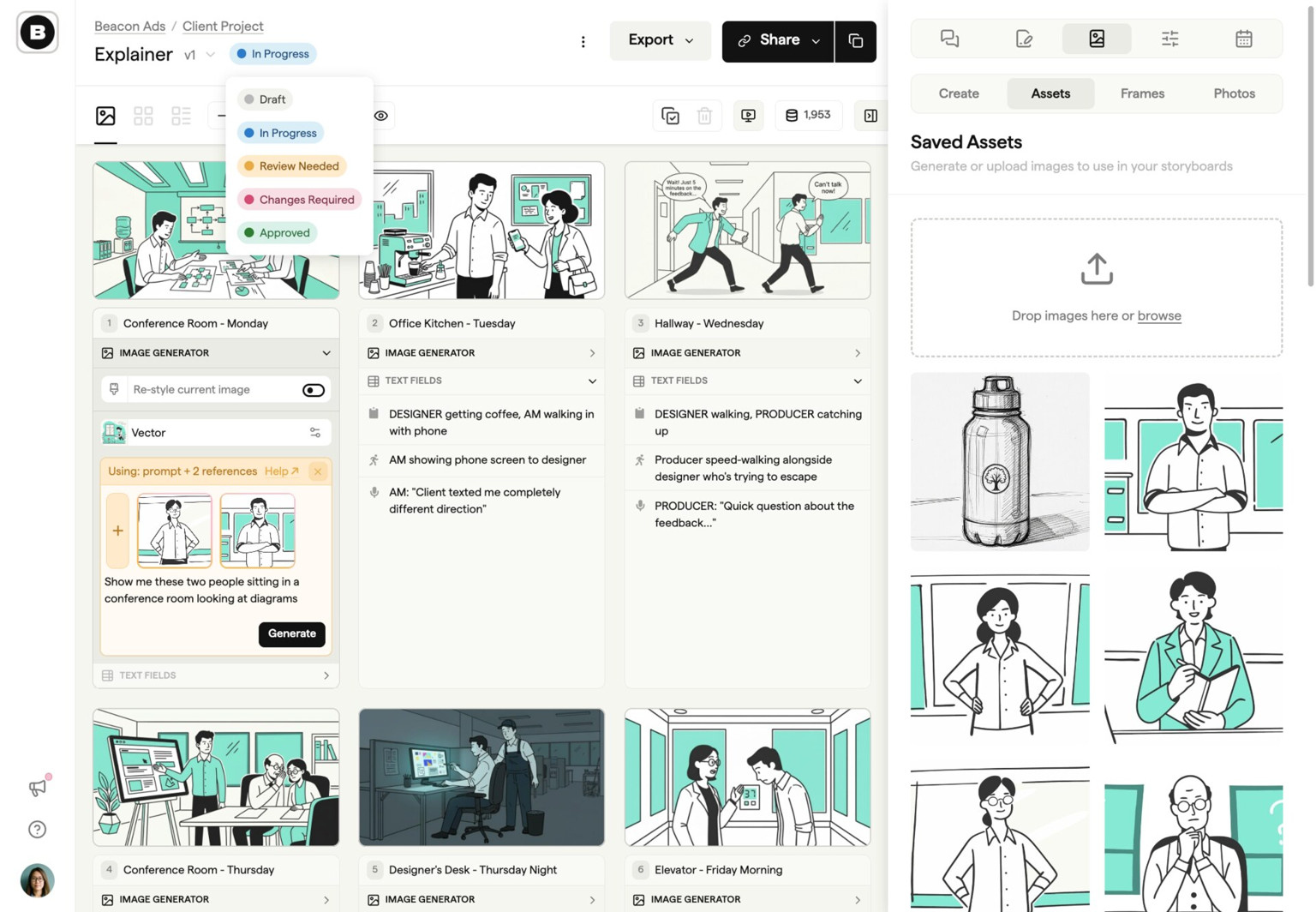
Most teams run preproduction across four or five tools. Docs for the script, Slides for the board, Unsplash for stock, Slack for review. Boords collapses the stack into one. Bring your own images or describe a scene to generate one, then move into the board, the animatic, and the sign-off without switching tabs.
app.boords.com
Before Boords, tracking feedback was a mess. With Boords we've got versioning, commenting, and presenting all in one place. It helps us with client communication so much.

Boords allows us to keep all our storyboards in one place. It's also very easy to add review notes to share with our design team right inside Boords, which streamlines communication.

Since we got Boords, we haven't looked back! We'd been working with custom PDF templates and we knew there had to be a better way, and we found it! It's intuitive, it's visually pleasing, and it's saved us a hell of a lot of time.

Integrations
Connect preproduction to the rest of your stack
Use Boords as the pre-production platform while your production tools, AI agents, and internal systems stay in sync around the work.
Public API
Build storyboards from your own pipeline
Create projects, import scripts, update frames, manage comments, and keep storyboard data moving between Boords and the tools your team already uses.
Webhooks
React the moment work changes
Send signed event notifications to your services when projects, storyboards, frames, or comments change, then process updates without polling.

We built Boords because pre-production was broken
I'm James, founder of Boords. Before this, I co-founded Animade, an animation studio in London.
Back then, we built storyboards in Photoshop. Or Google Slides. Or InDesign. Whatever got the job done. But tracking versions was a nightmare. "FinalFinal_v3_USE_THIS.pdf"... you know the drill.
Client notes lived in email threads. Nobody could find the version we'd actually locked. Every storyboard looked different because we were rebuilding templates from scratch each time, manually reordering frames, fiddling with layouts. We'd waste hours on formatting instead of ideas.
So in 2015, I built the first version of Boords to fix it. Consistent boards every time. Notes in context, not buried in inboxes. One link to share, and no more guessing which version got approved.
11 years and over 2 million storyboards later, Boords is still independent, still small, and still built around one idea: pre-production should be where you do your best thinking, not where you lose hours to process.
James Chambers, Founder
LinkedInMake changes before they get expensive
Get every video signed off before production starts
Create scripts, storyboards, and animatics with your team.
Collect client feedback, keep every version on record, and go into production knowing exactly what was approved.