01
Upload or Generate Images
Upload your own images or take advantage of our built-in image generator to create visuals for your shot list project.










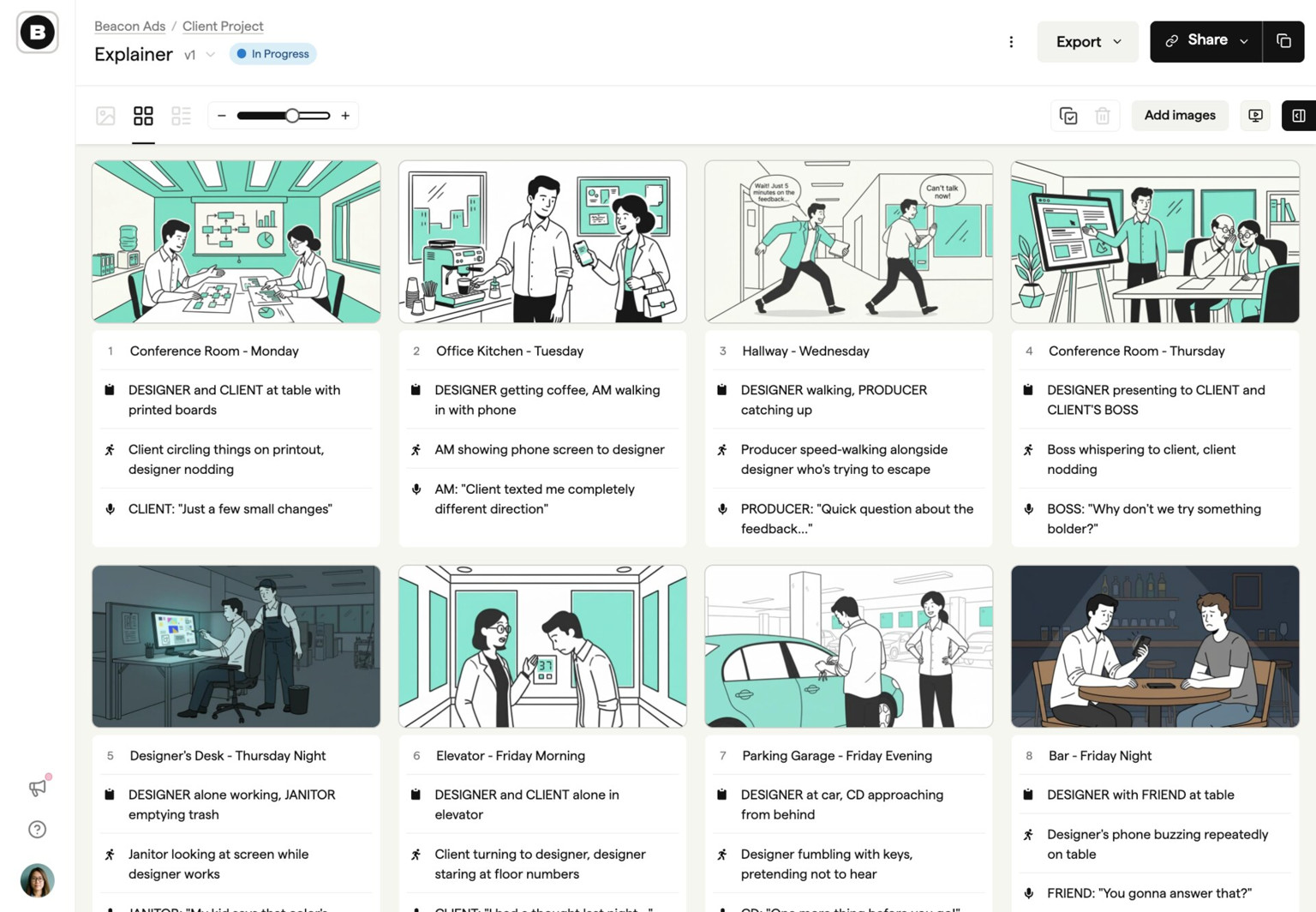
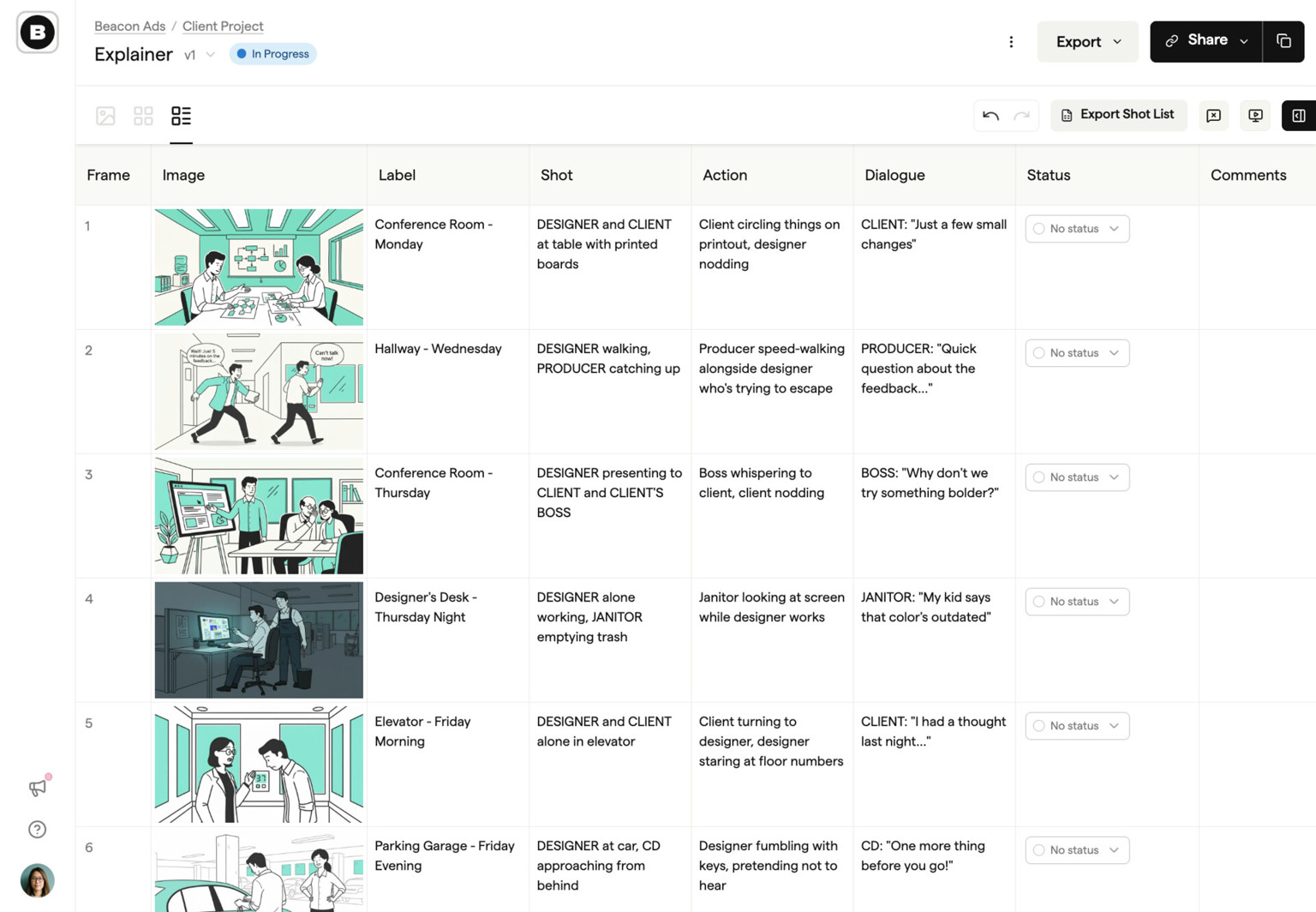
Upload your own images or take advantage of our built-in image generator to create visuals for your shot list project.
With live editing capabilities, you can collaborate with your team in real-time, ensuring everyone stays on the same page and your shooting schedule remains up to date.
Once you’re satisfied with your shot list, you can export it in various formats, including Google Sheets, for further customization and sharing with your team.

Lewis Darby
Founder, Yard B
Create projects, import scripts, update frames, manage comments, and keep storyboard data moving between Boords and the tools your team already uses.
Send signed event notifications to your services when projects, storyboards, frames, or comments change, then process updates without polling.
For studios and agencies juggling multiple client projects, shot lists shouldn't mean starting from scratch. Boords generates production-ready shot lists directly from your approved storyboards—frame numbers, shot types, descriptions, and notes all flow through automatically. No spreadsheets, no retyping, no version confusion. Your team gets a single source of truth that stays in sync with the storyboard, so last-minute client changes don't mean rebuilding your entire production plan.
Whether you're producing a brand film or a series of social ads, Boords adapts to how your team actually works. Share shot lists with your DP before the shoot, update them on set, and keep everyone aligned without emailing spreadsheets back and forth. When your storyboard and shot list live in the same place, handoffs get simpler and nothing falls through the cracks between pre-production and the shoot day.
One workspace for storyboards, animatics, comments, and approvals.
Spend time on the creative, not the back-and-forth.

Sarah changed the status of Explainer Video v3 to Approved
8 JulSarah viewed Explainer Video v3
8 Jul
Tom shared Explainer Video v3 with sarah@beacon.co, dev@beacon.co
7 JulTom changed the status of Explainer Video v3 to Review Needed
7 JulTom created Explainer Video v3, a new version of Explainer Video v2
7 Jul
Amara marked a comment on Explainer Video v2 as complete
7 Jul
Dev commented on Explainer Video v2 - Frame 4
6 JulSarah changed the status of Explainer Video v3 to Approved
8 JulSarah viewed Explainer Video v3
8 JulTom shared Explainer Video v3 with sarah@beacon.co, dev@beacon.co
7 JulTom changed the status of Explainer Video v3 to Review Needed
7 JulTom created Explainer Video v3, a new version of Explainer Video v2
7 JulAmara marked a comment on Explainer Video v2 as complete
7 JulDev commented on Explainer Video v2 - Frame 4
6 Jul